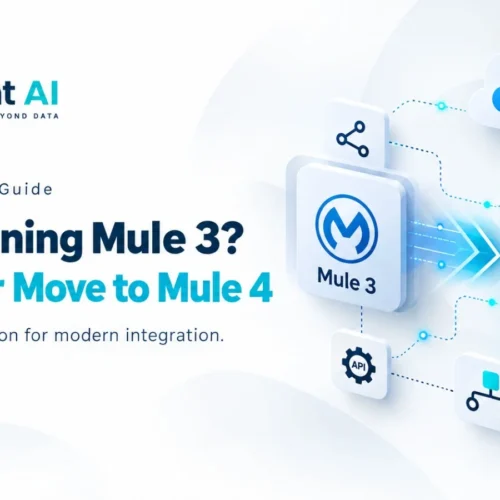
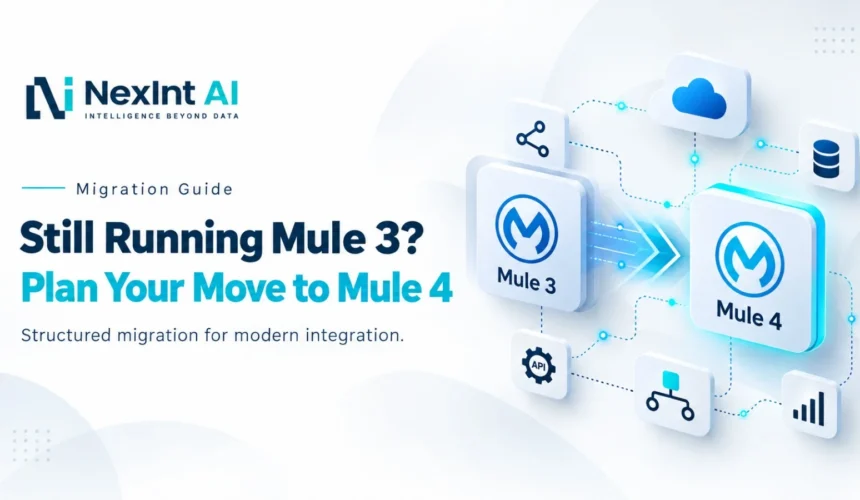
Still Running Mule 3? What It Is Costing You and How to Plan the Move to Mule 4
If Mule 3 applications are still handling integrations the real question is not whether the code works today. It is how much operational and modernization risk your organization carries by leaving a Mule 3 to Mule 4 migration untouched.
Stable legacy integrations often get pushed down the list with the logic of “it’s working, why touch it?” But “still running” and “strategically healthy” are questions and the gap between them tends to widen every year a MuleSoft upgrade gets pushed to next year’s roadmap.
Moving from Mule 3 to Mule 4 is not, like applying a patch. It is a major‑version change that requires application‑level assessment, planning and validation. So what should enterprises actually do? How should they plan the move without turning it into an open‑ended program?
What Is a Mule 3 to Mule 4 Migration?
A Mule 3 to Mule 4 migration is the process of adapting existing Mule applications such as their project structure, connectors, modules, expressions, data transformations, error handling and configuration to fit Mule 4’s architecture and runtime requirements.
Depending on the application this change may also affect API management and deployment. This is not the same as a same-generation MuleSoft upgrade that is applied as a minor‑version patch.
It’s Working” Is Not a Migration Strategy
I notice that many enterprises postpone migration, for familiar reasons: the application feels stable, there is limited development capacity, the original developers have moved on or documentation and dependencies are unclear.
The hidden cost of migration is that each year of delay quietly adds knowledge concentration, a growing modernization backlog and higher dependency risk. The fact that no incident has happened does not mean that technical debt is absent.
What Staying on Mule 3 Can Cost
I do not need to make up any numbers. The price of delaying this modernization shows itself in an everyday ways:
- Maintenance cost: older applications often require knowledge that is very specialized and harder to find.
- Change cost: simple business changes become more difficult when teams must work around patterns that belong to Mule 3.
- Skills cost: developers who are learning Mule 4 must keep switching to the old Mule 3 ideas, which slows them down.
- Operational risk: an understood legacy integration is much harder to fix when pressure is high.
- Support exposure: Mule 3 runtime versions are beyond their standard support windows. Any claim about how a version will work must be checked against MuleSoft’s current product versioning and support policy, not just assumed.
What Actually Changes Between Mule 3. Mule 4
A Mule 3 to Mule 4 migration matters because the platforms differ in meaningful ways, not just version numbers. The Mule message model was reworked in Mule 4 changing how payloads and attributes are handled. Mule Expression Language (MEL) used in Mule 3 generally needs to move to Mule 4s Data Weave-based expressions and complex expressions often need attention rather than a like-for-like swap.
Connectors and transports were reworked and existing DataWeave transformations should be reviewed rather than assumed to carry over cleanly and error handling changed enough that exception strategies typically need to be redesigned and retested.
A MuleSoft Upgrade Isn’t Open It in Studio 7″
A common misconception is that a MuleSoft upgrade from Mule 3 is an Open Save Deploy exercise. In practice it looks more like Analyze Convert Refactor Configure Test Deploy Validate.
A simple application with connectors may move fairly easily; one, with custom components, heavy MEL usage, complex transformations or tightly coupled API policies will need considerably more manual effort. There is no universal effort estimate that applies to every estate.
Can Mule Migration Assistant Automate the Migration?
MuleSofts own migration documentation describes Mule Migration Assistant (MMA) as a tool that can help migrate project structure automatically generate descriptor files and perform code adaptations. That assistance is real.
Mule Migration Assistant is not the same as complete automated migration. Unsupported components, complex expressions, application‑specific logic and testing still require manual work before an application is production‑ready.
Planning a Controlled Migration
A workable path starts with an application inventory: owners, criticality, dependencies, connectors and current documentation quality. From there classify each application as retain, retire, consolidate, redesign or replace. The fastest application to migrate is often the one the business no longer needs. A discovery and scoping process at this stage helps surface dependencies before they surface during cutover.
Group the remaining applications into complexity tiers, map each Mule 3 component to its Mule 4 equivalent and move in waves. Applications first critical ones once the process has been proven. Many enterprises bring in Mule 4 migration services at this stage to help with complexity assessment and wave sequencing. Test business behaviour, not just successful compilation and only decommission Mule 3 once consumers, schedules and downstream systems have been confirmed on Mule 4.
What to Look for in Mule 4 Migration Services
Organizations evaluating Mule 4 migration services should ask providers how they assess the Mule 3 estate, how they classify complexity, how MEL and complex DataWeave transformations are handled, how unsupported components are identified and what testing happens before cutover.
Because a MuleSoft upgrade of this scope touches connectors, expressions and error handling, at once good Mule 4 migration services should reduce uncertainty before migration begins and not discover every dependency during the cutover window.
How NexInt AI Solutions Helps with Modernizing Integration
NexInt AI Solutions helps companies with the data engineering and integration base that a Mule 4 migration needs. Looking at application and data pipeline assessment finding connections between systems and offering integration modernization support. .
The way we work is the same as what we do in big projects like our work moving from SAP-to-Salesforce integration work at what’s, in place today we find how different parts connect we create a plan to move step by step and we make sure everything works the way it should before we stop using the old systems. If your team is thinking about doing this work on your own or using help from outside for a Mule 4 migration service, get in touch with our team systems now.
Conclusion
The biggest risk in a Mule 3 estate is not just that the applications are old. It is reaching the point where a business change is needed and realizing that dependencies, complexity and technical knowledge were never mapped.
Inventory the estate rationalizes what is still needed, assess complexity and move through a Mule 3 to Mule 4 migration, in controlled waves rather than waiting for an urgent change request to force the decision. Do not let that urgent request become your migration plan. Map the estate now. Move to Mule 4 deliberately.
Technology Stack
IBM Cast Iron | Salesforce | SQL Server | MQ | Near Real-Time Integration | Error Handling | Email Alerting | Integration Architecture